DEFINE
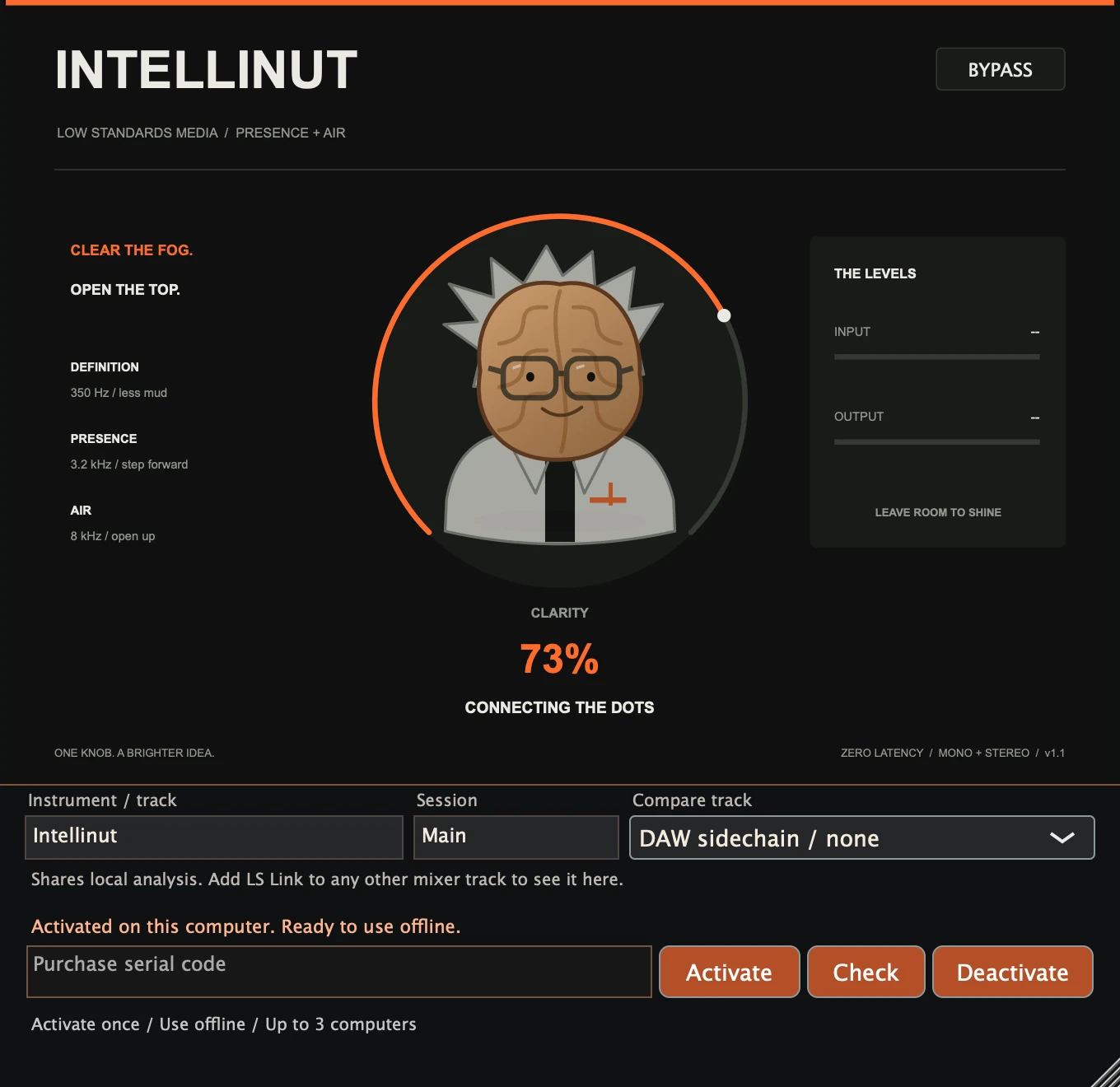
350 HZ / LESS MUDA gentle low-mid reduction makes room for detail.
Presence, definition, and an airy high end. Help vocals, synths, and percussion step forward in your mix with a single turn.
Hear the difference ↓Coming soon. $40 for the individual plugin.
The same synth and percussion loop at three settings.
Choose a setting, then press play.
Processing changes loudness as well as tone. These demos are not loudness matched.
Playback could not start. Use the play button, or open the audio file.
A gentle low-mid reduction makes room for detail.
A broad presence lift helps bring a sound into focus.
A smooth high shelf adds an airy finish to the top end.
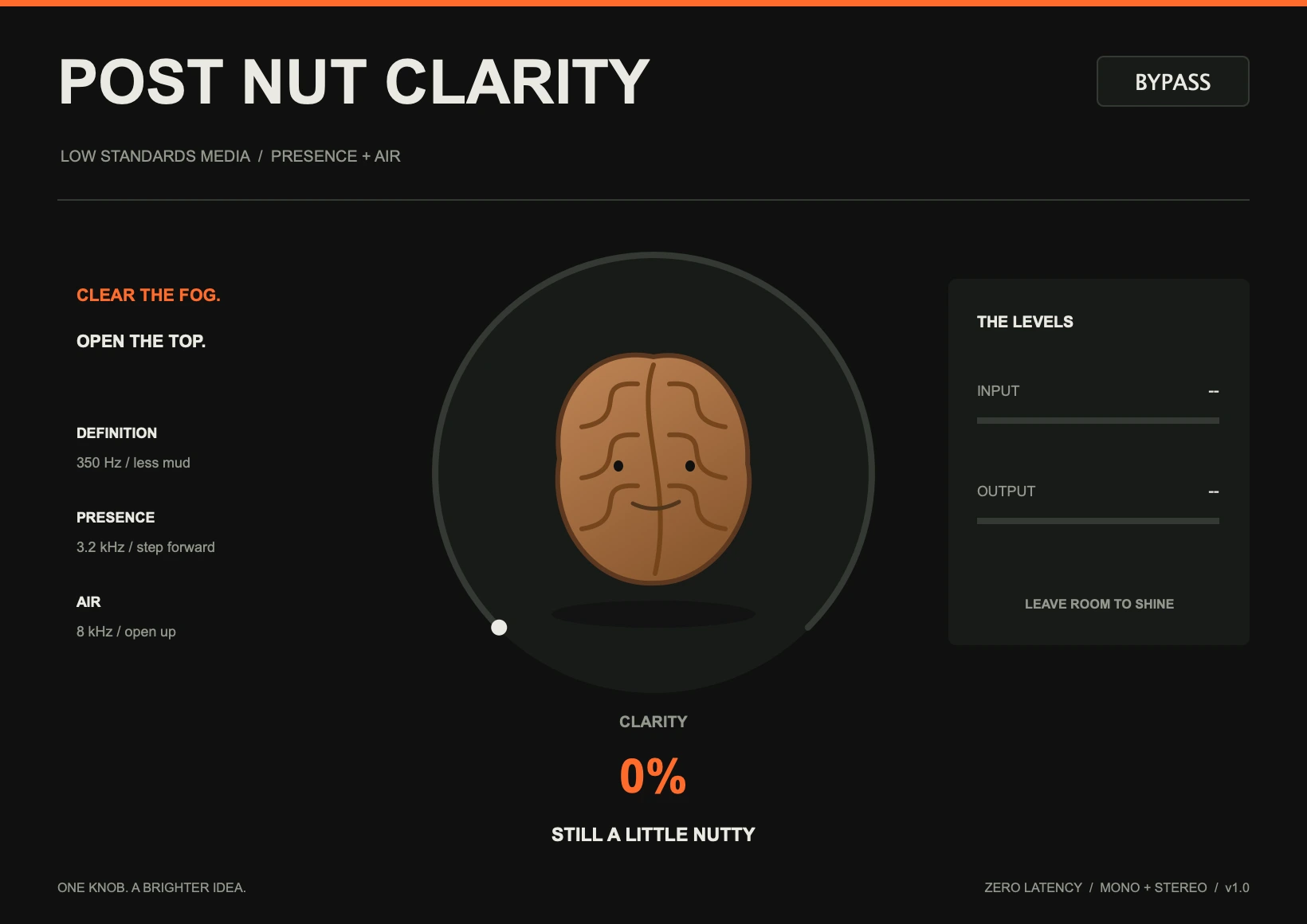
The walnut transforms into a scientist as you turn the knob. Same simple control, a little more character.
Zero added latency. Mono and stereo.
Host automation and project recall.
Insert it on a vocal, synth, percussion, or another track that needs definition. Start at 20–40%, then listen in the full mix. Use Bypass to compare and match levels with your DAW’s track gain.
At 0%, the signal is unchanged. Turning the knob blends in presence and air, with a small reduction in the low mids. Parameter changes are smoothed.
Boosting the high end can raise peaks. There is no limiter: leave headroom and lower your track gain if the output meter goes over 0 dBFS.
Development builds include Mac AU and VST3 for Apple Silicon and Intel, and Windows x64 VST3. Audio-engine checks have passed. Mac signing and notarization and final DAW testing are still pending.
The individual plugin will be $40. Sales will open after final release checks.
Individual plugin optionsYour purchase will include a serial for up to three active computers. Deactivate an old computer to free a slot. Connect once to activate your serial, then use the plugin offline—even after restarting your DAW. Internet is needed again only to activate another computer or deactivate a slot.
Checkout opens after final release checks.
Posteriori, Intellinut, The Clap, Pull Out, Rotation, Wav Spreader, Psychotic, BAG and WET.
$306 one-time purchase
$360 individually · Save $54 · 15% off
Every paid plugin in one bundle. LS Link is included free. Individual plugins are $40 each. Perpetual licenses; no subscription.
Bundle checkout opens after final release and delivery checks.
Enter an Instrument / track name below the controls. Low Standards plugin instances in the same DAW process share spectra and waveform analysis. Add the free LS Link companion to any other mixer track you want to see.
Use the same Session name on both tracks. In Rotation choose a Compare track to see its spectrum and overlap. In Pull Out choose a Kick waveform preview, then route the kick to the DAW sidechain separately if you want it to trigger ducking. Names and selections save with the project.
Track analysis stays on your computer and needs no network connection. LS Link passes the original samples unchanged with zero added latency. Separately bridged plugin processes cannot discover each other. Match session names to separate projects.