
NAME
YOUR INSTRUMENTInsert LS Link on the kick, vocal, bass or any other track. Enter a track name and press Return.
Place LS Link on a mixer track, name the instrument, and make its waveform and spectrum available to your Low Standards plugins.
Free companion. No serial or activation required. Download opens after final release checks.
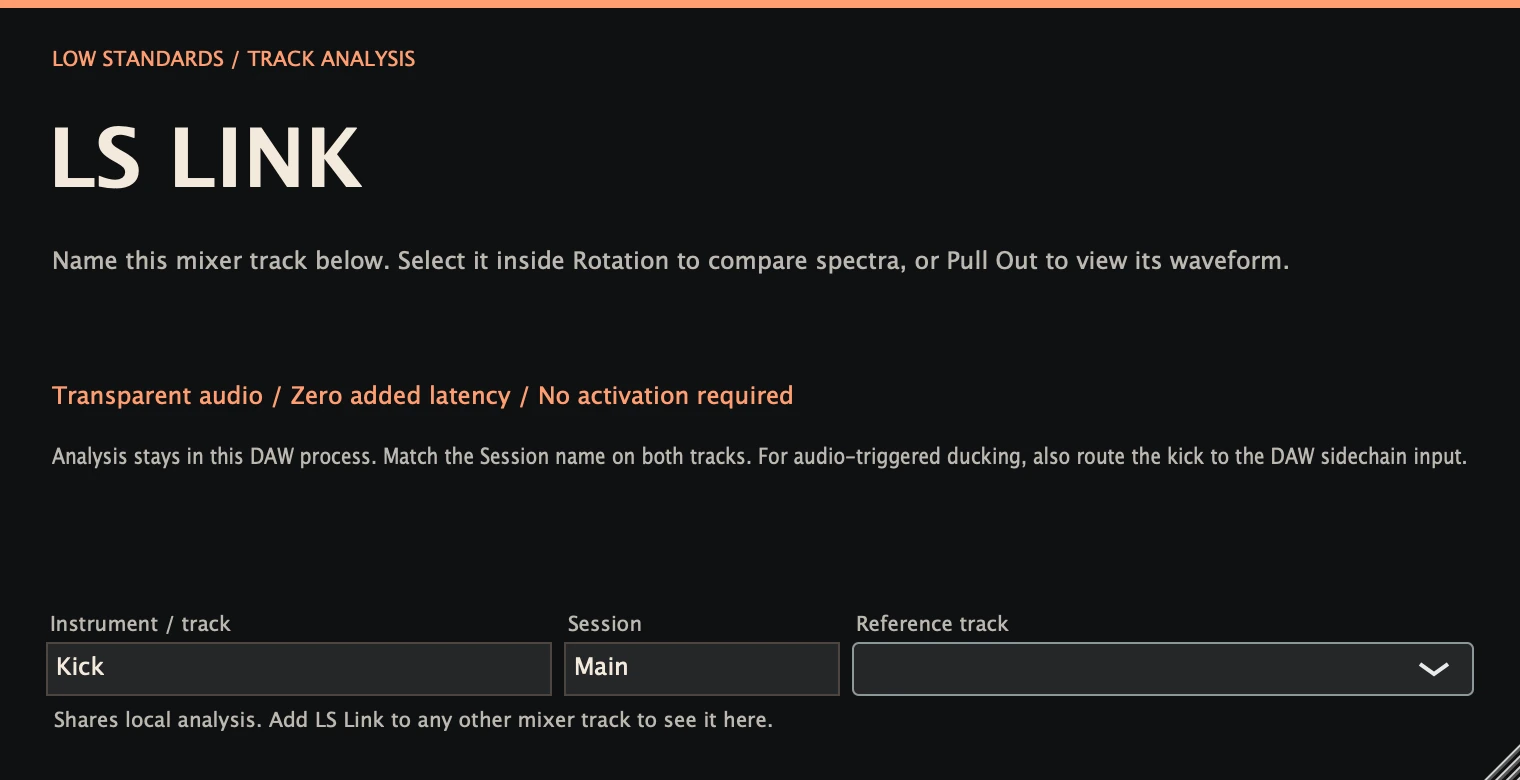
Insert LS Link on the kick, vocal, bass or any other track. Enter a track name and press Return.
Match the Session name. Choose the track in Rotation for a comparison spectrum, or in Pull Out for a kick waveform preview.
Make EQ and envelope decisions while listening. LS Link passes audio unchanged; it does not automatically route audio, adjust gain or unmask your mix.
Enter an Instrument / track name below the controls. Low Standards plugin instances in the same DAW process share spectra and waveform analysis. Add the free LS Link companion to any other mixer track you want to see.
Use the same Session name on both tracks. In Rotation choose a Compare track to see its spectrum and overlap. In Pull Out choose a Kick waveform preview, then route the kick to the DAW sidechain separately if you want it to trigger ducking. Names and selections save with the project.
Track analysis stays on your computer and needs no network connection. LS Link passes the original samples unchanged with zero added latency. Separately bridged plugin processes cannot discover each other. Match session names to separate projects.