
ROOM
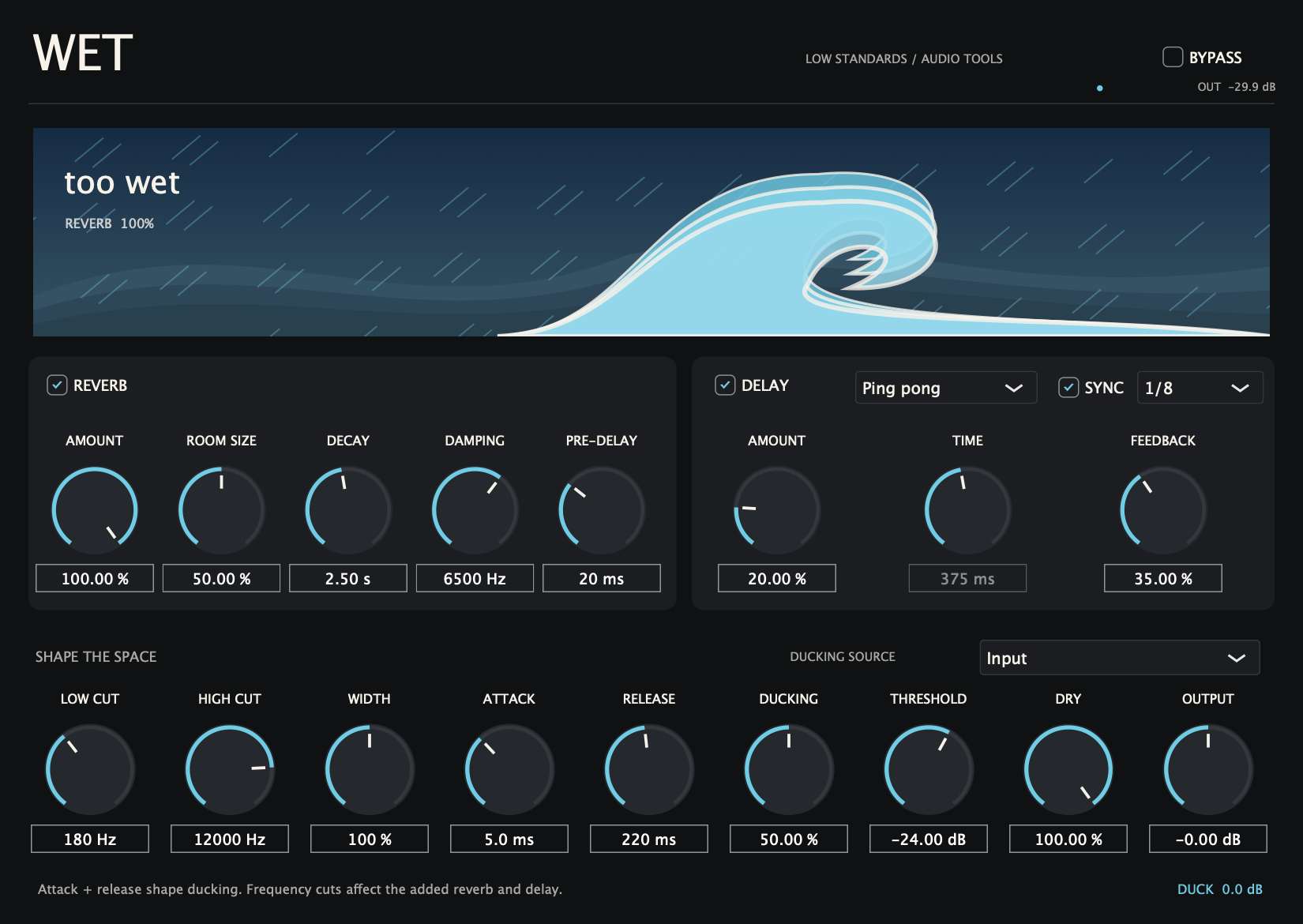
SIZE / DECAY / DAMPINGAn eight-line feedback reverb with independent room size and decay, pre-delay, damping, and effect amount.
Reverb and delay in one place. Build a room, stretch an echo, and duck the effects around your track. Switch either section on or off independently.
Hear it in action ↓Coming soon. $40 for the individual plugin.
A dry synth phrase, a restrained space, and a larger wash of reverb and echoes.
Choose a setting, then press play.
These demos are not loudness matched. Settings can change level as well as tone.
Playback could not start. Use the play button, or open the audio file.
An eight-line feedback reverb with independent room size and decay, pre-delay, damping, and effect amount.
Choose an echo character. Sync to straight, dotted, or triplet notes, or enter a delay from 1 to 8,000 ms. Feedback reaches 92%.
Set input or external sidechain ducking with Threshold, Amount, Attack, and Release. Frequency cuts affect the added effects; Width and Output finish the sound.
Built for your DAW.
Made by Low Standards.
Start with one section enabled. Set the reverb room or delay mode, then raise its Amount. Use low and high cuts to keep effects out of unwanted frequencies. For ducking, choose Input or route another track to the external sidechain, then set Threshold, Ducking, Attack, and Release.
They shape the ducking envelope for both reverb and delay: how quickly effects drop when the key signal rises and recover when it falls.
The scene follows the enabled reverb Amount: a desert labelled “dry” at zero and a tidal wave labelled “too wet” at maximum. Delay has its own independent amount.
WET follows the host tempo. It offers 1/32 through two bars, dotted eighth and quarter notes, and eighth and quarter triplets. When the host supplies no tempo, it uses 120 BPM. Synced times are limited to eight seconds.
Yes. Set Dry to 0% for an effects send and use the separate Reverb and Delay amounts to balance the returns. Keep Dry at 100% for a normal insert.
Development builds include Mac AU and VST3 for Apple Silicon and Intel, and Windows x64 VST3. Direct audio-engine and processor checks have passed. September 2026 development revision. Automated DSP/processor checks and isolated Mac AU/VST3 load checks passed. Native Windows and REAPER/Ableton testing, signing/notarization and final delivery checks remain before sale.
The individual plugin will be $40. Sales open after final release checks.
Individual plugin options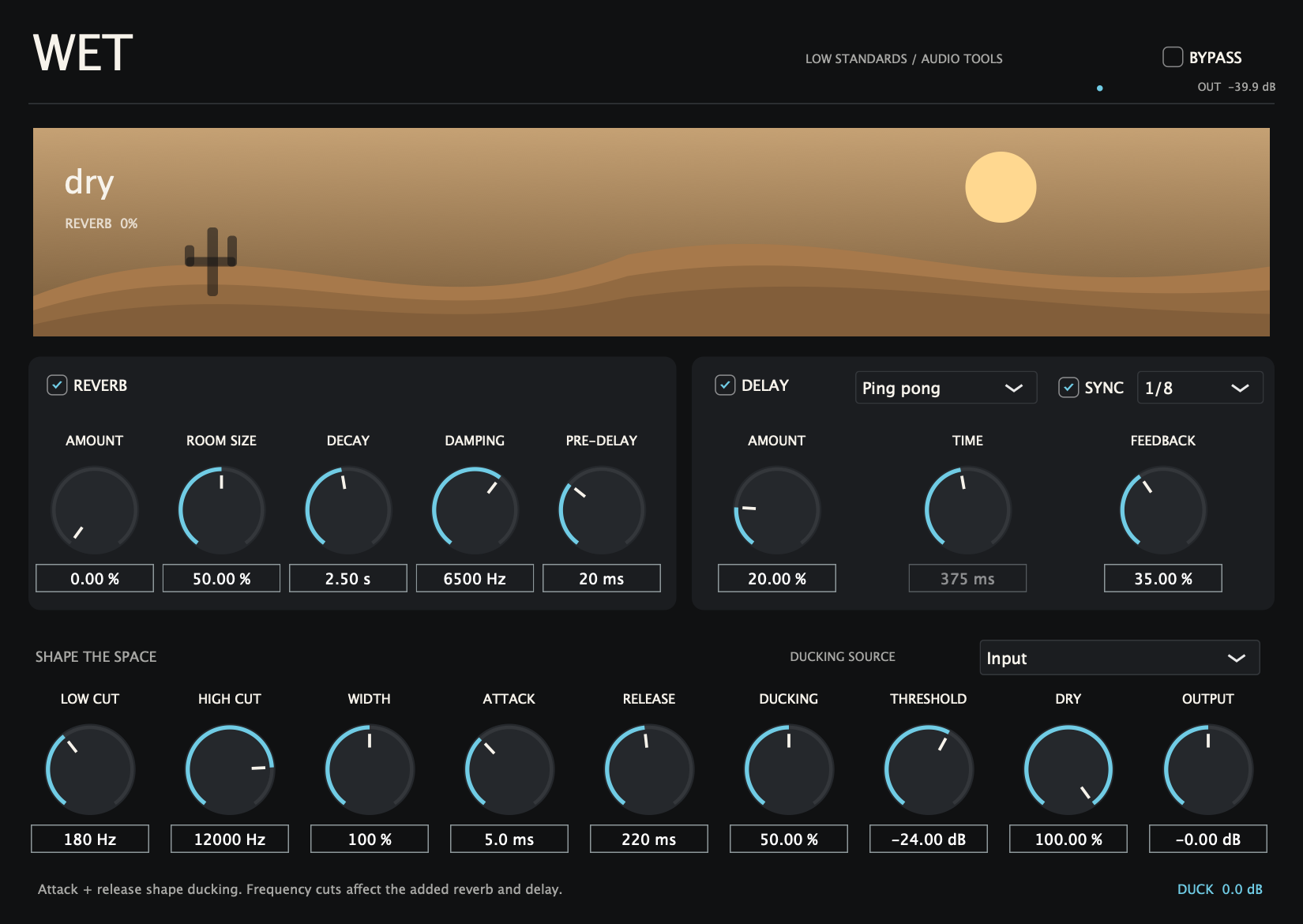
Your purchase will include a serial for up to three active computers. Deactivate an old computer to free a slot. Connect once to activate your serial, then use the plugin offline—even after restarting your DAW. Internet is needed again only to activate another computer or deactivate a slot.
Checkout opens after final release checks.
Posteriori, Intellinut, The Clap, Pull Out, Rotation, Wav Spreader, Psychotic, BAG and WET.
$306 one-time purchase
$360 individually · Save $54 · 15% off
Every paid plugin in one bundle. LS Link is included free. Individual plugins are $40 each. Perpetual licenses; no subscription.
Bundle checkout opens after final release and delivery checks.
Enter an Instrument / track name below the controls. Low Standards plugin instances in the same DAW process share spectra and waveform analysis. Add the free LS Link companion to any other mixer track you want to see.
Use the same Session name on both tracks. In Rotation choose a Compare track to see its spectrum and overlap. In Pull Out choose a Kick waveform preview, then route the kick to the DAW sidechain separately if you want it to trigger ducking. Names and selections save with the project.
Track analysis stays on your computer and needs no network connection. LS Link passes the original samples unchanged with zero added latency. Separately bridged plugin processes cannot discover each other. Match session names to separate projects.